
Accessing and Navigating the Question and Answer Section
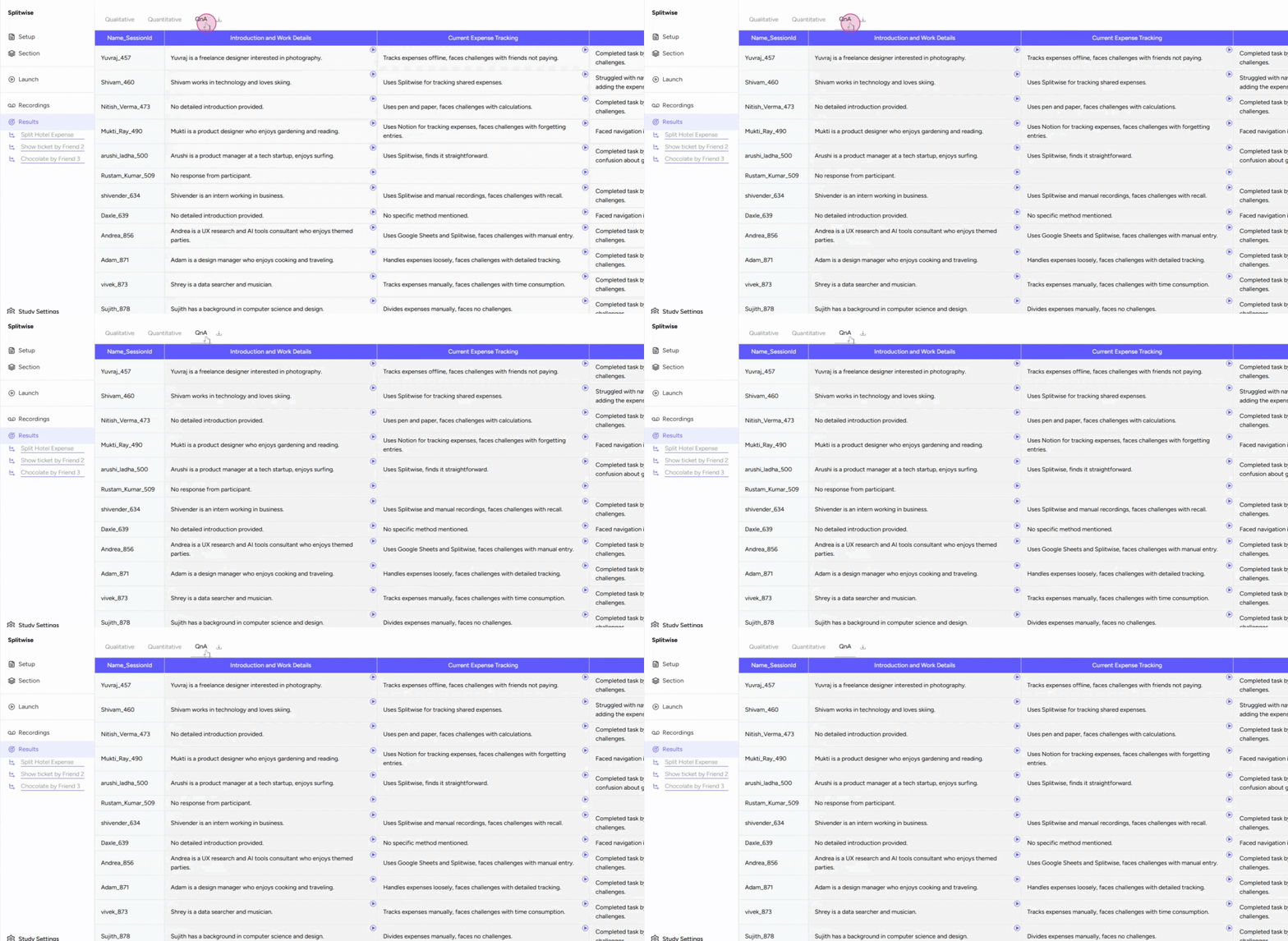
Navigate to the 'Results' tab, which has three parts: Qualitative, Quantitative, and Question and Answer (QnA) . In the 'Question and Answer' part, you can see information about participants for different tasks. The 'Name Session ID' column shows the names of the participants, and other columns display their answers for various sections. This setup makes it easy to check any participant's responses.
Playing Back Sections
-
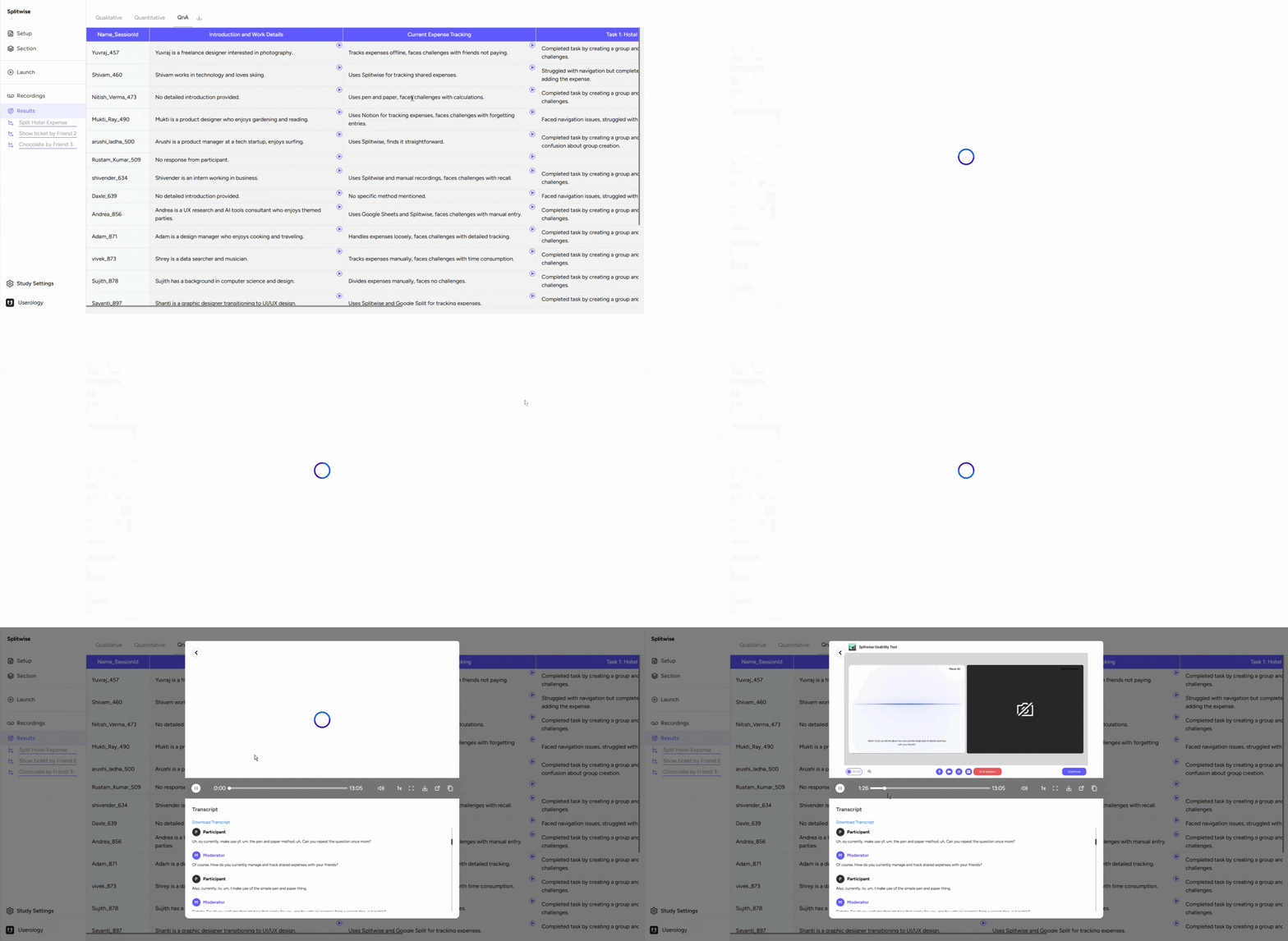
To view a specific part of a section, click the 'Play' button.
-
An overlay will appear, allowing you to revisit that section.
-
To return to the main view, press the arrow button.
Downloading the Data
-
Download a CSV file of the data by clicking the 'Download' button next to the 'Question and Answer' section.

If you need further assistance, please email us at support@userology.co